Short answer: DaVinci Resolve if you want the most capable free desktop editor, VN for the closest free phone swap, iMovie on a Mac, Clipchamp for free 1080p browser exports with no watermark, and PandaStudio if you want an AI editor with transcript editing, captions and Shorts that runs on your own computer for a one-time price. CapCut is still hard to beat for free trending templates. Below is what each alternative does well, where it falls short, and the official page we checked it against.
Last updated 2026-10-18. We build one of the tools on this list (PandaStudio) and have kept every other entry honest: real strengths, real limitations.
Why people look for a CapCut alternative
Features you used every day are now part of CapCut Pro, and its AI tools run on monthly credits. In the UK, Pro is £21.99 a month or £199.99 a year (capcut.com/pricing, checked Oct 18 2026).
You want your footage and edits to stay on your own computer.
You're making longer YouTube videos, courses or podcasts, not only short clips.
You want a desktop editor with more control than a template app.
The 8 best CapCut alternatives at a glance
Tool
Best for
Pricing
PandaStudio(us)
Desktop creators who want CapCut-style results with an AI doing the edit
10 free exports, then $19/mo or a one-time license from $99
DaVinci Resolve
Free, professional-grade editing and colour
Free; Studio $295 one-time
Clipchamp
Free browser editing with 1080p exports and no watermark
Free; premium via Microsoft 365
iMovie
Free, simple editing on Apple devices
Free
VN Video Editor
The closest free phone-first swap for CapCut
Freemium
InShot
Quick edits on your phone
Freemium (watermark on free version)
Canva
Branded social videos alongside your other design work
Freemium
Descript
Editing talking videos by editing text
Free plan; paid from $24/mo
1.PandaStudio
macOS, Windows
Best for: Desktop creators who want CapCut-style results with an AI doing the edit
PandaStudio is a desktop editor for Mac and Windows where you cut by editing the transcript, apply a proven edit style (captions, zooms, hooks) in one step, and turn long videos into Shorts. An AI agent, built in or Claude and Codex through its MCP server, can do the whole edit. Transcription and clip finding run on your computer, so footage isn't uploaded: in our test an 11-minute camera recording became 4 captioned vertical clips in 78 seconds on an M4 Pro Mac.
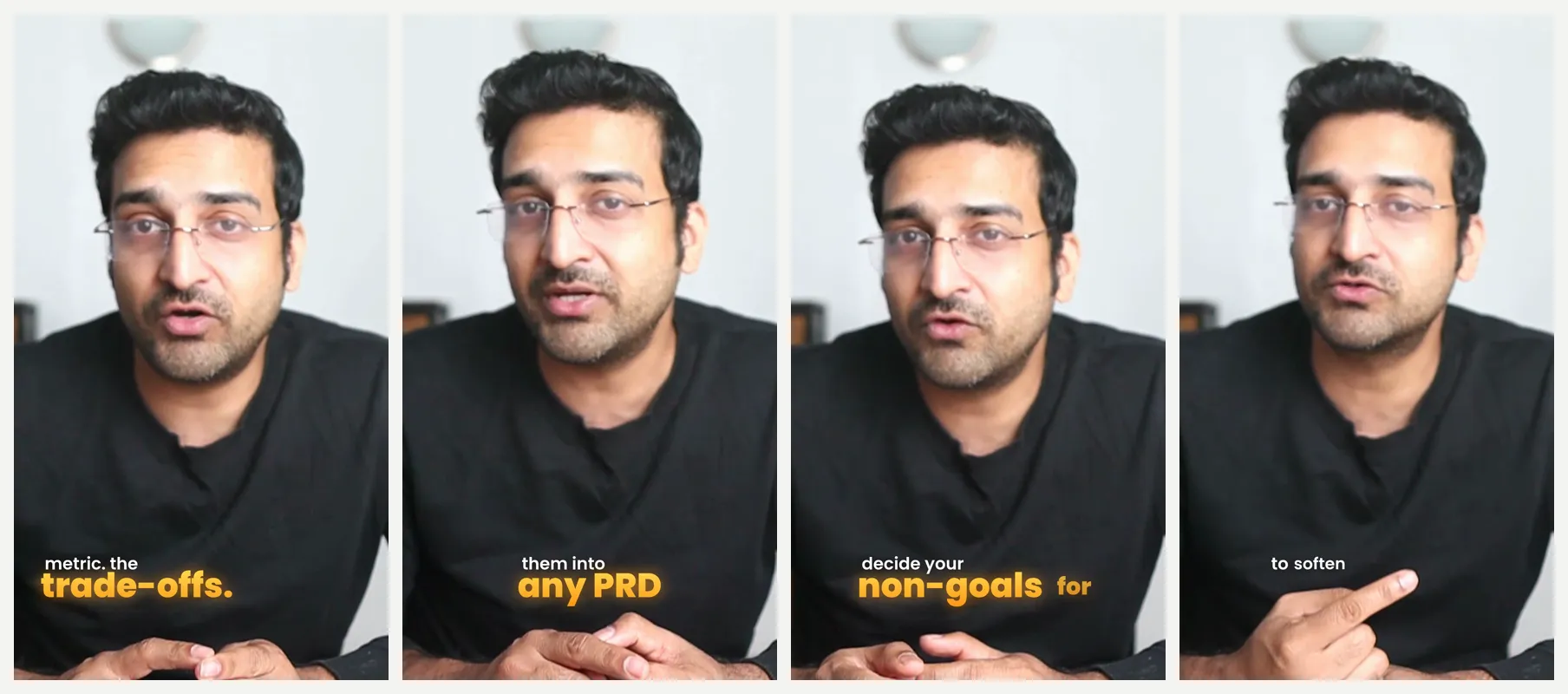
Captioned Shorts PandaStudio made from one 11-minute recording, on the computer.
Pricing
10 free exports, then $19/mo or a one-time license from $99
Watch out
It's desktop only, so there's no phone app, and its template and effects library is smaller than CapCut's.
Best for: Free, professional-grade editing and colour
DaVinci Resolve's free version is a full professional editor with industry-leading colour grading, audio post and effects. If you want to grow into serious editing without paying, it's the strongest free option on desktop.
Pricing
Free; Studio $295 one-time
Watch out
It has a steep learning curve and needs a capable computer; it's far slower for quick social edits than CapCut.
Best for: Free browser editing with 1080p exports and no watermark
Microsoft's Clipchamp runs in the browser and as a Windows app, with templates, stock media, AI audio tools and a screen recorder. The free plan exports up to 1080p with no watermark.
Pricing
Free; premium via Microsoft 365
Watch out
4K and premium stock need a Microsoft 365 subscription, and on a Mac it's browser-only.
iMovie comes free on Mac, iPhone and iPad and handles clean cuts, titles and basic effects with no watermark. For simple family, school or starter YouTube videos it's all many people need.
Pricing
Free
Watch out
There are no auto captions and few social-first effects, and it's Apple-only.
5.VN Video Editor
iOS, Android, macOS, Windows
Best for: The closest free phone-first swap for CapCut
VN offers a multi-track timeline, keyframes and effects on mobile and desktop, with a feel close to CapCut and a generous free tier. Popular with creators who edit Reels and TikToks on their phone.
Pricing
Freemium
Watch out
Some templates and assets are paid, and it lacks CapCut's depth of trending effects.
6.InShot
iOS, Android
Best for: Quick edits on your phone
InShot is a fast mobile editor for trimming, music, text and stickers, long a favourite for quick Reels and Stories.
Pricing
Freemium (watermark on free version)
Watch out
The free version adds a watermark and ads, and it's not built for longer or more complex edits.
7.Canva
Web, iOS, Android, macOS, Windows
Best for: Branded social videos alongside your other design work
Canva's video editor pairs a big template library with your brand kit, so social videos match the rest of your graphics. Good for marketers who already live in Canva.
Pricing
Freemium
Watch out
It's a design tool first, so timeline editing is basic compared with a dedicated video editor.
8.Descript
macOS, Windows, Web
Best for: Editing talking videos by editing text
Descript transcribes your video and lets you edit it like a document, with filler-word removal and AI tools. Strong for podcasts, tutorials and talking-head content.
Pricing
Free plan; paid from $24/mo
Watch out
It's a subscription with usage-based AI credits, and it isn't aimed at effects-heavy short-form editing.
Want the full head-to-head with CapCut specifically? Read PandaStudio vs CapCut : feature-by-feature, pricing, and exactly when each one wins. Or see how the whole approach differs with agentic video editing.
We compared editors on what people actually use CapCut for: quick cuts, auto captions, templates and effects, vertical video, export limits and watermarks, where the files live, pricing model and platforms. Each pick names who it is best for and one honest limitation. Facts were checked against each tool's own website on Oct 18 2026. Pricing changes often, so check current plans before you buy.
Frequently asked questions
What is the best free CapCut alternative?
On desktop, DaVinci Resolve is the most capable free editor, and iMovie is the easiest free option on a Mac. On a phone, VN Video Editor is the closest free swap. PandaStudio is free to try with 10 exports if you want AI-assisted editing on desktop.
Is there a CapCut alternative that keeps my videos on my computer?
Yes. Desktop editors like PandaStudio, DaVinci Resolve and iMovie work on files stored locally. PandaStudio also runs transcription and clip finding on your machine, so nothing is uploaded unless you publish.
Which CapCut alternative has auto captions?
PandaStudio, Clipchamp, VN, Canva and Descript all generate captions automatically. PandaStudio adds caption styles built from how top Shorts creators caption, and transcribes on-device.
What should I use for longer YouTube videos instead of CapCut?
For talking-head YouTube, podcasts and courses, a transcript-based editor saves the most time: PandaStudio or Descript. For cinematic or heavily graded work, DaVinci Resolve.
Try PandaStudio free
PandaStudio records, transcribes, edits and exports on your Mac or PC, by hand or with an AI agent. 10 free exports, no credit card.