Short answer: Submagic for animated captions in the browser, CapCut for a free editor on phone and desktop, OpusClip or Vizard to cut clips from long videos, Descript for editing by transcript, and PandaStudio if you want AI captions and Shorts in a desktop app on your own computer for a one-time price. Captions itself is still excellent if you film and post from your iPhone. Below is what each alternative does well, where it falls short, and the official page we checked it against.
Last updated 2026-10-18. We build one of the tools on this list (PandaStudio) and have kept every other entry honest: real strengths, real limitations.
Why people look for a Captions alternative
It's phone-first: Captions' help docs say there's no downloadable Mac or Windows app, so on a computer you're in the browser.
Paid plans are credit-metered: Max is $24.99 a month and Frontier $69.99 a month on iOS (captions.ai/pricing, checked Oct 18 2026).
The free plan has basic tools, one caption template and no AI credits.
Projects are stored per device, and the generative features run in the cloud.
The 8 best Captions alternatives at a glance
Tool
Best for
Pricing
PandaStudio(us)
Captions-style AI captions and Shorts in a desktop app, paid once
10 free exports, then $19/mo or a one-time license from $99
Submagic
Animated captions, B-roll and zooms in the browser
Subscription from $19/mo
CapCut
A free editor on phone and desktop with auto captions
Free plan; Pro subscription
OpusClip
Clips from long videos with a virality score
Free plan; Starter $15/mo, Pro $29/mo
Vizard
Clipping and scheduling at a lower yearly price
Free plan; Creator $29/mo
Descript
Editing talking videos by transcript on desktop
Free plan; paid from $24/mo
Veed
Subtitles in many languages
Free plan; subscription
Kapwing
Captions and repurposing for teams in the browser
Free plan; Pro $24/mo
1.PandaStudio
macOS, Windows
Best for: Captions-style AI captions and Shorts in a desktop app, paid once
PandaStudio burns in word-by-word captions with highlighted words, in caption templates you can restyle across a whole batch, then adds zooms, motion graphics and filler and silence removal. Make clips turns a long recording into captioned, face-framed 9:16 clips: in our test an 11-minute camera take became 4 clips in 78 seconds on an M4 Pro Mac. Transcription runs on your computer, and there are no credits.
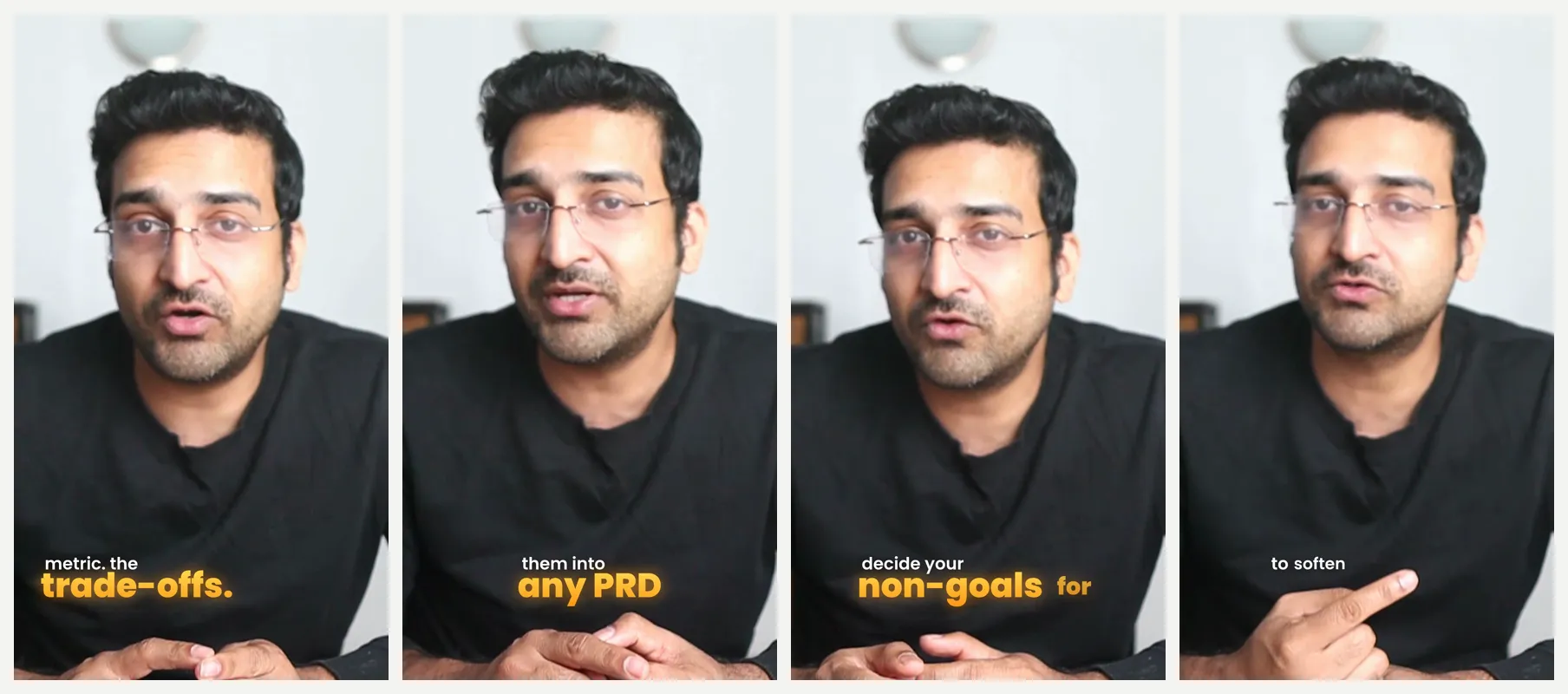
Captioned clips PandaStudio made on the computer from one 11-minute recording.
Pricing
10 free exports, then $19/mo or a one-time license from $99
Watch out
It's a Mac and Windows app with no phone editor, and it has no AI avatars or AI eye-contact correction like Captions.
Best for: A free editor on phone and desktop with auto captions
CapCut covers phone, desktop and web with auto captions, caption animations, templates and effects, so you can start on your phone and finish on a computer.
Pricing
Free plan; Pro subscription
Watch out
Many caption effects and AI tools need Pro, which is credit-metered.
We compared what people use Captions for: AI captions on talking-head video, AI edit styles, eye contact and cleanup, cutting clips, which devices it runs on, where the video is processed, and pricing. Facts were checked against each tool's own website on Oct 18 2026. Confirm current plans before you buy.
Frequently asked questions
Does the Captions app work on Mac or Windows?
Not as a native app. Captions' help docs say there's no downloadable Mac or Windows app, so on a computer you use it in the browser. PandaStudio, Descript and CapCut have Mac and Windows apps.
How much does Captions cost?
On iOS, Max is $24.99 a month (500 credits) and Frontier $69.99 a month (1,400 credits). There's a limited free plan with one caption template and no AI credits (captions.ai/pricing, checked Oct 18 2026).
What is the best free Captions app alternative?
CapCut has a free plan with auto captions on phone and desktop. OpusClip and Vizard have free plans for clipping long videos, with watermarks. PandaStudio is free for 10 exports, then a one-time license.
Is there a Captions alternative without a subscription?
Yes. PandaStudio has lifetime licenses from $99 with AI captions, filler removal and Shorts included, and transcription runs on your computer.
Try PandaStudio free
PandaStudio records, transcribes, edits and exports on your Mac or PC, by hand or with an AI agent. 10 free exports, no credit card.