Browse all docs
Make a 3D product promo from screenshots
In PandaStudio 2.1.86 and later, the AI assistant builds a 3D promo reel from a few screenshots: your product's screens stand in little pop-up or paper-craft worlds, or on a laptop and monitor in a photoreal sunlit room, a cursor clicks through each step, and it renders as one video with sound.
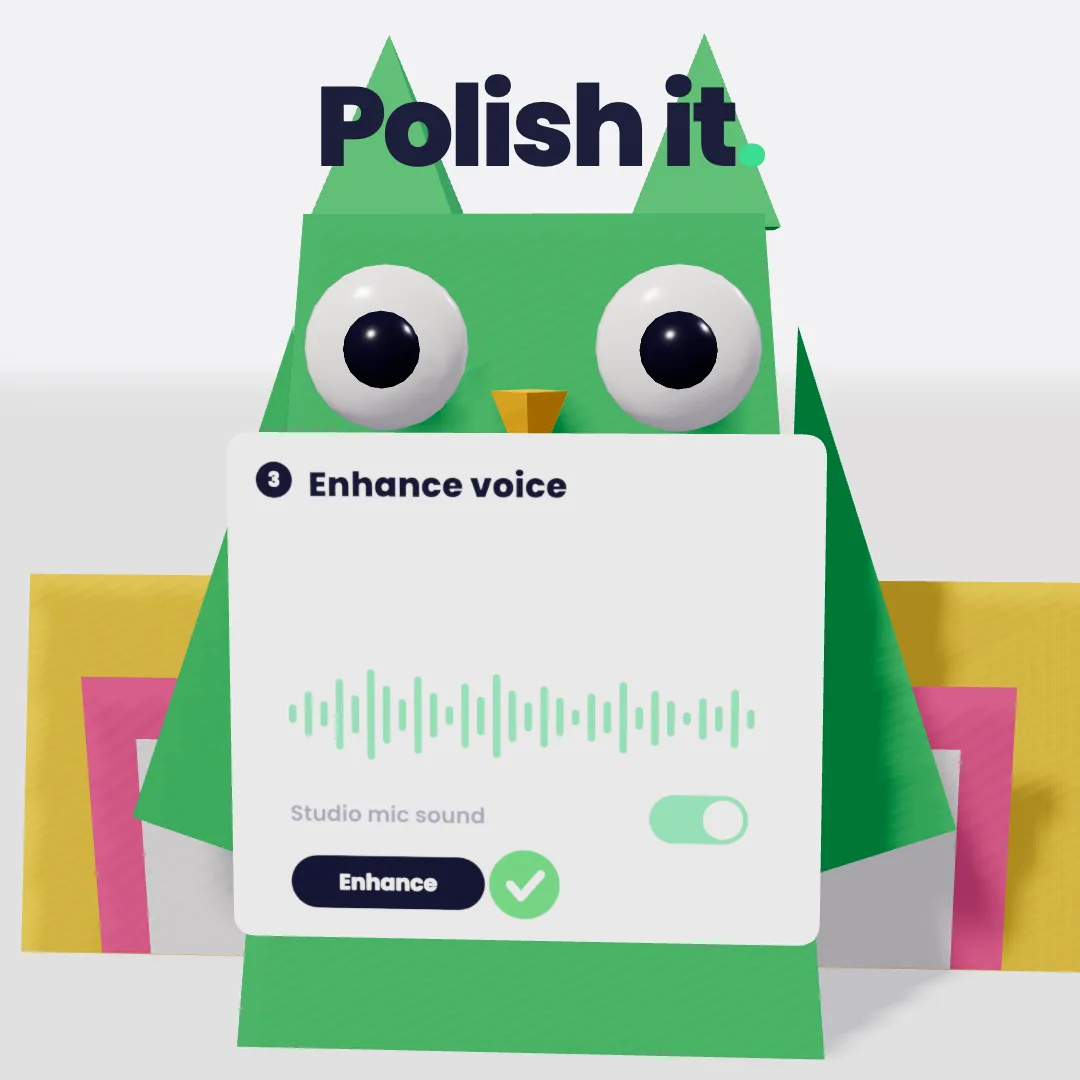
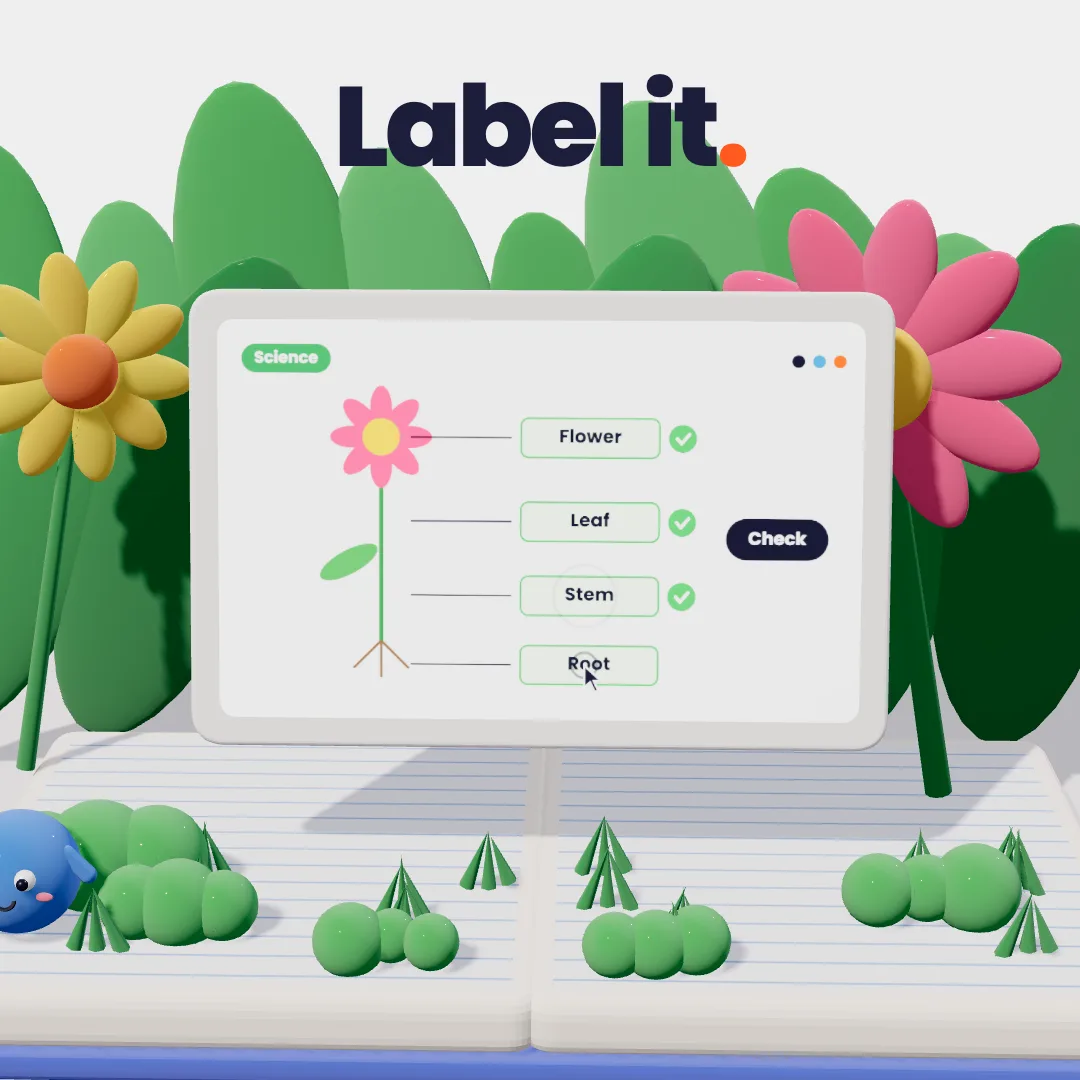
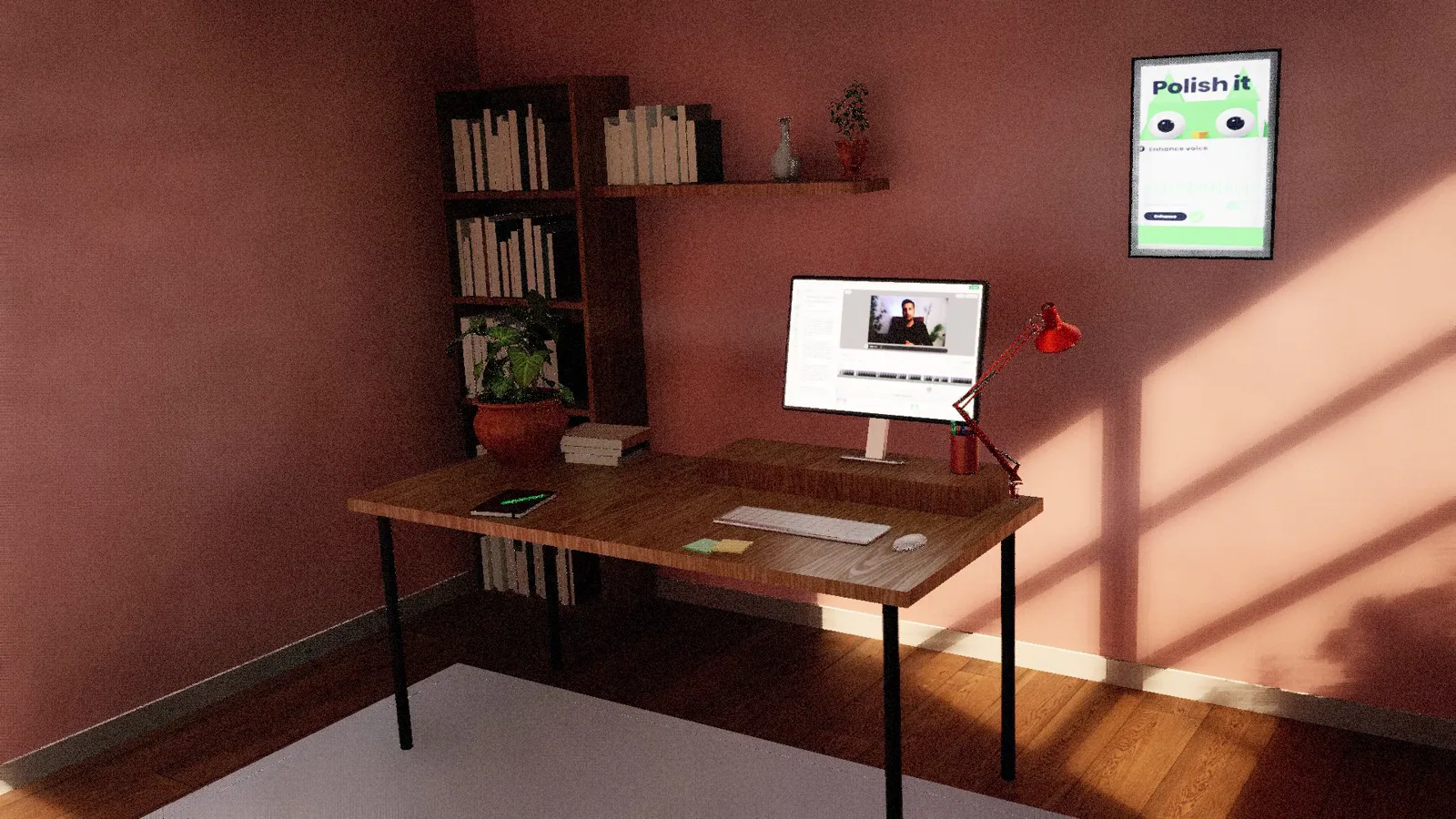
A 3D scene is a small world the assistant describes and PandaStudio renders: an open book whose pages pop up into worlds, or one sheet of paper that folds into a boat, a whale, an owl, a house or a rocket, one per step. Your screenshots stand in that world on a card, a phone, a tablet or a laptop, or ride on the paper shape. On each screen the assistant animates what a user does: the cursor glides in and clicks the real button, an answer is typed, a word is highlighted, a card slides into its column and a green tick pops in. Each step gets a bold two or three word headline, the camera drifts and moves closer for every click, and it ends on a card with your logo and call to action. The set pieces are built in: books, desks, stands, walls, towers, buildings, mountains, trees, flowers, clouds, the sea, a sailing ship, round mascots and origami shapes, in a soft clay or paper look. The assistant checks frames from every step before it renders, adds a soundtrack timed to the cuts and clicks, and saves the scene so any step can be changed and rendered again. The video goes into a project or on your timeline like any graphic. For a photoreal opening the assistant builds a real-looking room instead: walls with a window that the sun falls through, a desk with a monitor, keyboard, notebook, mug, books and plants, your product on the laptop and monitor screens, and glowing 3D type in the air. Things can drop onto the desk and settle with real physics (a notebook tumbling in, a camera landing), and dust can drift in the window light. These shots are path traced (real light bouncing round the room) with free CC0 furniture, plants, lighting and surface textures from Poly Haven that download the first time they are used. A photoreal shot uses your computer's graphics chip and takes a few seconds a frame, so the assistant shows you still frames before the full render.
In the app
- 1Take a screenshot of each step you want to show: a form, a button, a result. One idea per screenshot reads best.
- 2Open the AI tab and ask, for example: Make a 30 second 3D promo of my app from these screenshots, paper-craft style, one step each. Attach the screenshots or give their file paths.
- 3The assistant writes the scene, checks a sheet of frames from every step and shows you where things land. Ask for changes in plain words: a different colour, a closer shot, another headline.
- 4It renders the reel with a soundtrack and puts it in a new project. Export it from there, or ask it to make a 9:16 or 16:9 version.
Ask the AI
Open the AI chat in the editor and say any of these. The agent does the edits for you.
CLI & MCP
Every capability is a verb, reachable from the terminal or from an MCP agent (Claude Code, Cursor, Cline, Continue, Claude Desktop).
pandastudio motion.scene-kit --starter=popup-book-promo
The set pieces, fields and units, plus starter scenes (popup-book-promo, device-hero) to copy.
pandastudio motion.scene-stills --scenePath=promo.scene.json --times='[2,6,10]'
Frames at those times and one contact sheet, to check before rendering.
pandastudio motion.scene-library --query='desk lamp' --type=models
Finds free CC0 models, HDRI lighting and texture sets (Poly Haven) for photoreal scenes, with their real sizes. They download when the scene renders.
pandastudio motion.render-scene --scenePath=promo.scene.json --audioPath=score.wav
Renders the scene to MP4 (or a transparent WebM with --transparent). Returns the saved scenePath to edit and render again.